The Best LinkedIn Tools in 2026
The best LinkedIn tools in 2026, tested and ranked by category. Content, outreach, and analytics, find the right tool for your goal in 60 seconds.
Something changed on LinkedIn in the last two years.
The platform went from somewhere you updated your CV to the single most important channel for founders, consultants, and B2B sales professionals who want to be known in their space. And for that you need a LinkedIn tool.
The people building audiences here aren't doing it for vanity; they're doing it because inbound leads from LinkedIn convert at a rate that cold outreach simply can't match.
But the frustration most people feel and almost no one talks about honestly; how to keep creating valuable content without sounding like a fraud. And keeping it up consistently?
You've seen someone in your space blow up on LinkedIn so to mimic them, you've probably tried posting consistently for a few weeks. Maybe you watched your impressions flatline at 200 per post, and quietly wondered whether you're doing something fundamentally wrong or whether the whole thing is just luck.
LinkedIn Tools Aren't Just for Seasoned Professionals
LinkedIn isn't about luck, and it also isn't for seasoned LinkedIn-ers.
It's about systems and using the right tool, in the right way, for the right problem says our founder Lara Acosta.
The creators getting 50,000 impressions per post aren't more talented than you. They've just built better infrastructure around their thinking. It's that simple.
So here, we've analyzed the LinkedIn tools that make a difference. It's designed to be a clear map of which tools actually work, what they're actually for, and which one you should start with based on where you are right now.
Why Should You Use a Tool for LinkedIn?
Imagine one place where everyone you ever wanted to talk to professionally is listed with all their details, including niche, title, timezone, and more! That's LinkedIn.
LinkedIn is the world’s largest professional network.
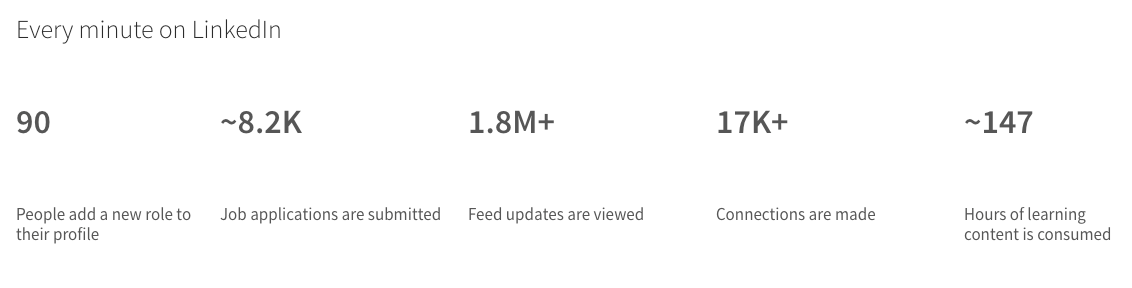
So LinkedIn engagement is a no-brainer. And to really leverage the platform, you need a tool that depends on your goal.
But before we get into the tools, find yourself in this table. It will save you the trouble of reading 3,000 words to arrive at a recommendation you could have reached in a minute.
What Most LinkedIn Tool Roundups Get Wrong
Search for 'best LinkedIn tools' and you get the same result every time; a list written by the company that makes the tool you should apparently trust the most.
Taplio says Taplio is #1. Buffer says Buffer.
We're going to do this differently. Kleo is on this list because it earned its place.
Consequently, we've actually tested every tool in this article ourselves. We paid for subscriptions, and we ran the features through real workflows. So we know what we're talking about.
Every score in this article comes from hands-on testing. Every limitation we flag is one we found ourselves.
Top LinkedIn Tools in 2026: 16 Tools at a Glance
Here's the full picture before we go deep on each one. Voice learning means the tool builds a persistent understanding of your voice and knowledge over time, not just a one-time style adjustment.
Section 1: Best LinkedIn Tools for Content and Personal Branding
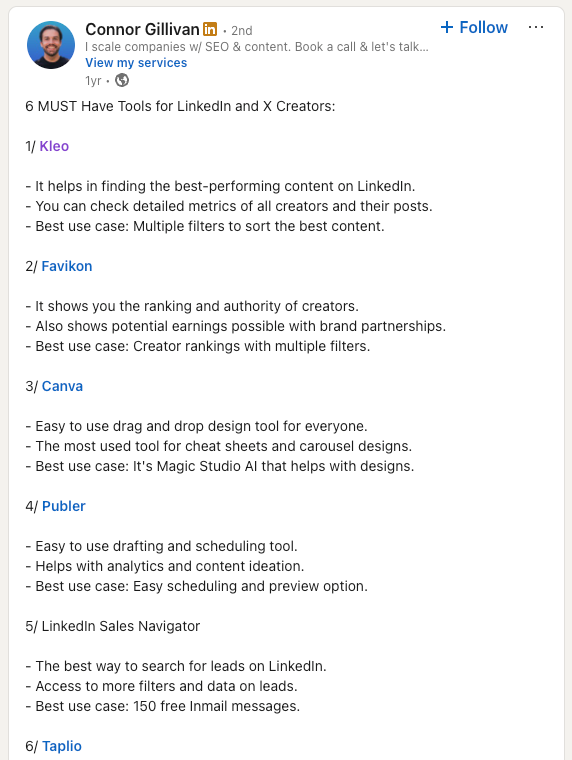
We researched the best tools for LinkedIn content creation and this is what we found;
This is the category most people underinvest in. They buy an automation tool to send more messages, then wonder why their profile isn't converting. The answer is almost always the content. Fix the content first. These tools help you do that.
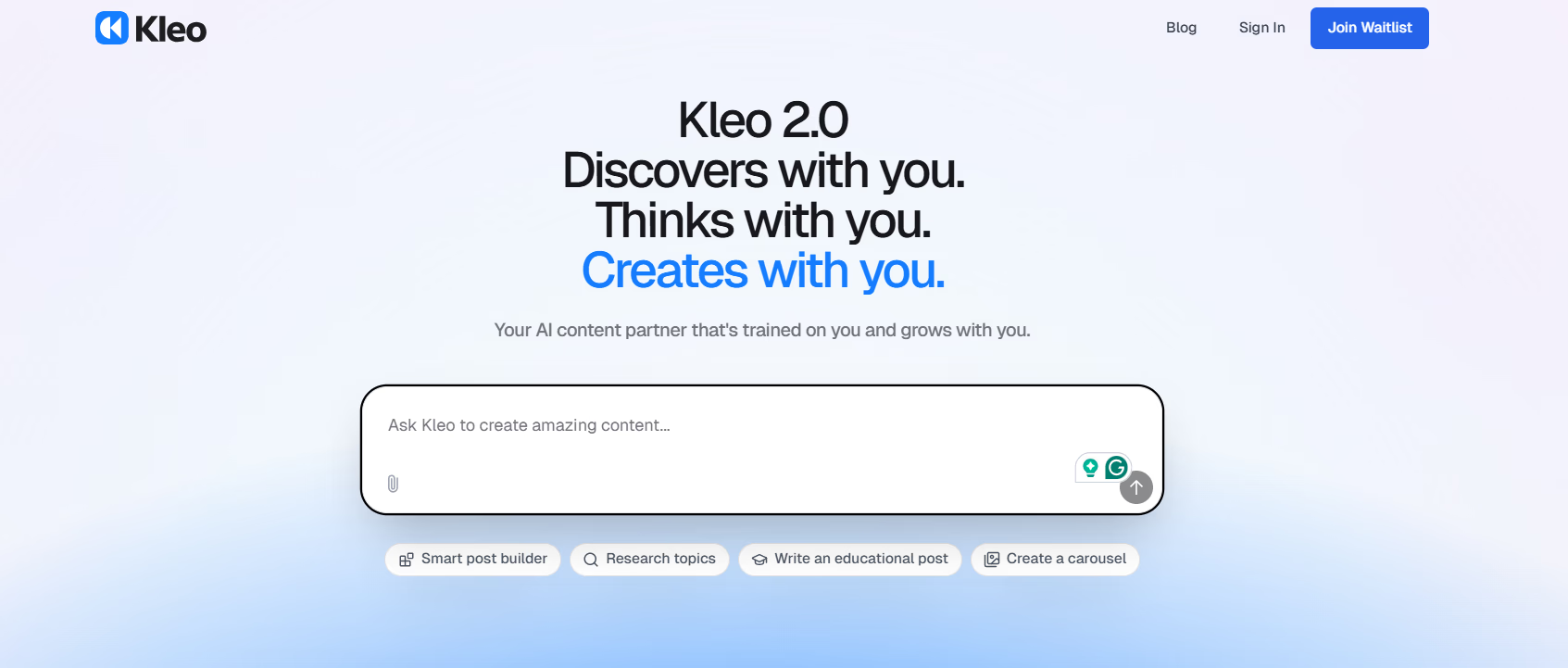
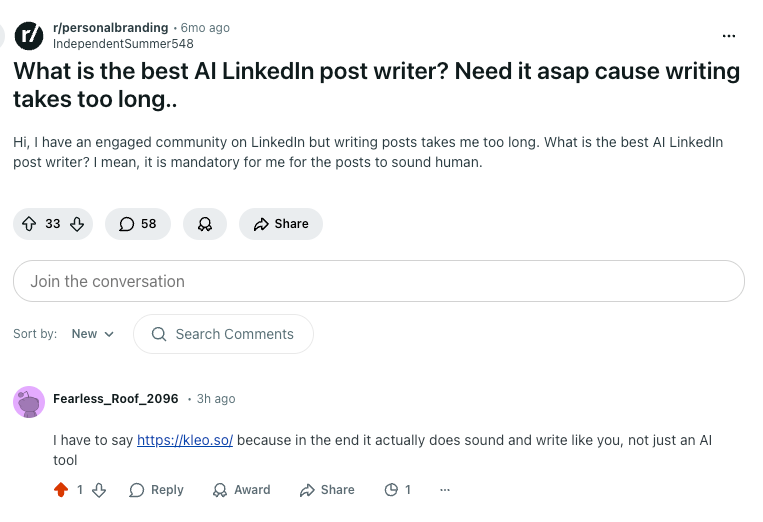
1. Kleo: Best overall for personal branding and AI content that sounds like you
Most AI writing tools have the same problem; they're cookie-cutters. You give them a prompt and they give you something that sounds like every other LinkedIn post you've ever scrolled past. It's the all-too-familiar generic hook, templated structure, and voice that belong to no one.
Kleo is built differently. It learns who you are before it starts writing. You answer questions about your experience, your stories, and your opinions. You can upload information to the knowledge base like call transcripts, podcast notes and blog posts. Additionally you save posts into your Swipe files that then acts as inspiration for Kleo to help you create the perfect post.
Essentially, you build a knowledge base that Kleo draws from every time you write. The result is content that sounds like you, not like AI.
What makes Kleo different
The knowledge base is the foundation of Kleo. Everything you've ever thought, experienced, or published can go in there. Kleo uses all of it to make sure your posts are grounded in your actual expertise rather than borrowed from a template library.
The swipe file is how you collect inspiration. One click on any LinkedIn post you like and it's saved. Kleo then uses your swipe file to understand the formats that resonate with you and brings those into the writing process naturally.
The writing assistant works with you, not instead of you. You bring the idea, Kleo helps you develop the hook, test the structure, and refine the voice but all based on your personal experience.
There's also a built-in
- Post scheduler
- Trending content research
- Analytics
- Image creation
Real results from real users
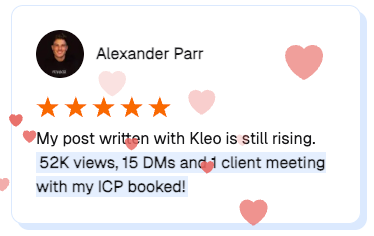
Don't trust us, check out the feedback that users say about having used Kleo;
"I used to get around 300 to 500 impressions per post. Now we're averaging 5,000 to 10,000. A couple of weeks ago a post hit 150,000 impressions. I used to spend 3 hours on a post, now it takes 15 to 20 minutes., Iggy Jovanovic"
"One simple post generated approximately $100,000 in leads. I'm using Kleo to systematize that., Saam Ali"
"I'm 2 subscriptions down since getting Kleo. I got to cancel Stanley AND AuthoredUp. Kleo is fire!, Jawna Standish"
"In my first phase with Kleo, I had 5 times the amount of impressions I'd ever had. I was like, OMG this is great!, Anna Campbell"
What you get instead of a free trial on Kleo
Kleo doesn't offer a free trial. What it offers instead is something with more lasting value: weekly live strategy sessions with the founders, raw feedback on your actual LinkedIn content in the Discord community, and cohort-based onboarding so you hit the ground running from day one.
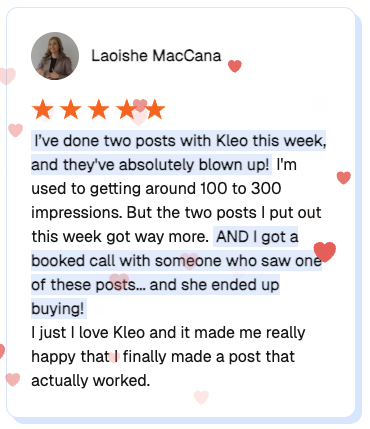
Laoisha went from averaging 50 to 100 impressions per post to actually getting multiple inbound leads, purely from the feedback she received in one of the sessions with the Kleo founders. That's the model: not a two-week window to poke around a product, but a community that actively helps you get results.
2. Skrapp: Best for lead generation via LinkedIn and Sales Navigator
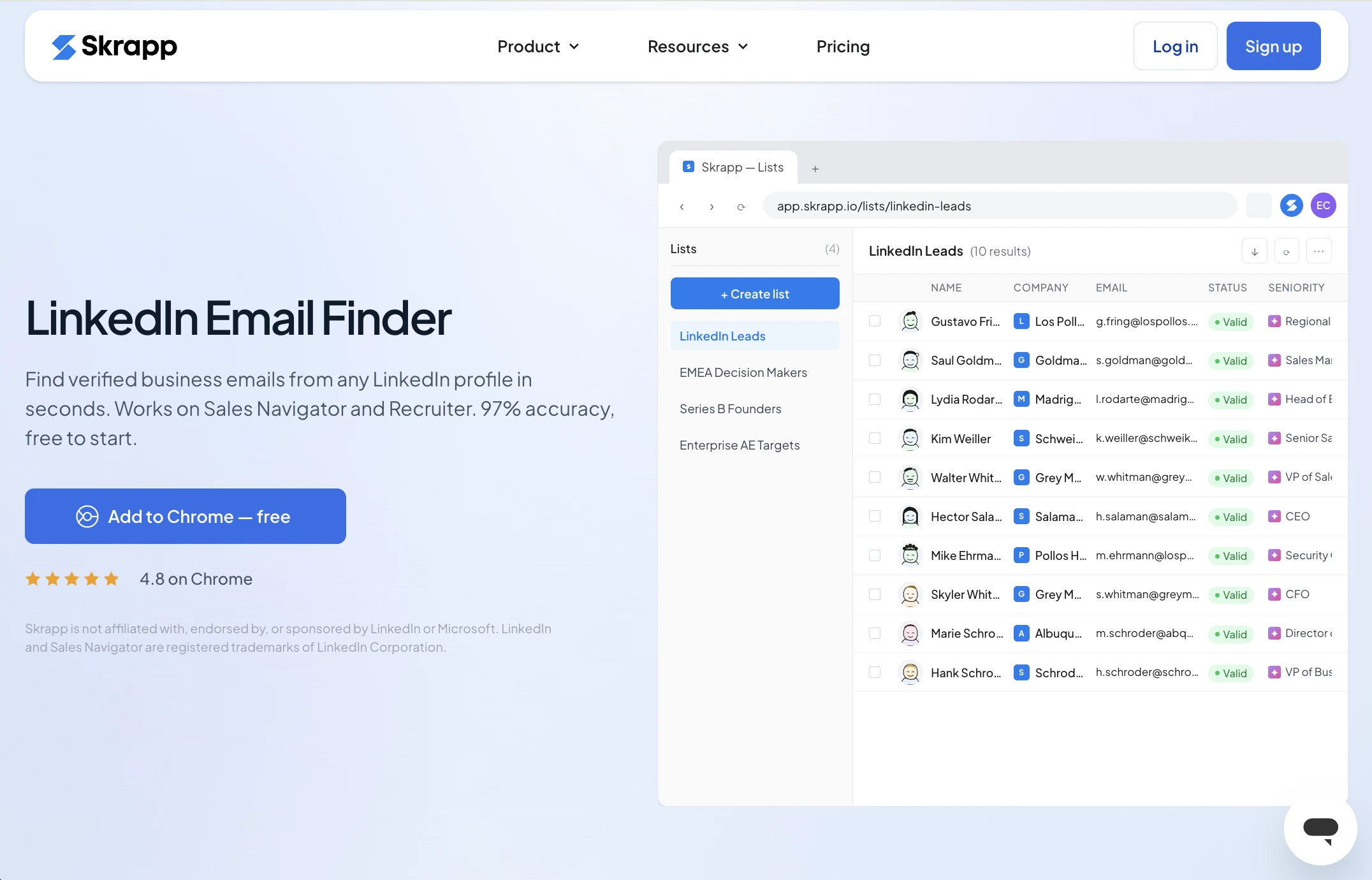
Skrapp.io is our top choice for LinkedIn lead generation and prospecting. The tool allows you to build verified lists of B2B contacts, ready for outreach, in a single interface. After launching a search on LinkedIn or Sales Navigator and filtering the results, you can use the Skrapp extension to export contacts in bulk and enrich them with additional data and contact details.
The LinkedIn Auto-Connect feature helps automate sending connection requests by adding a note template for each prospect, saving time that would otherwise be spent drafting messages individually.
Besides being a useful addition to your LinkedIn prospecting tool, it also has its own database of 200M+ contacts with AI search, allowing you to build lists directly from the platform's contacts. Email finder and verification features help verify existing lists and find email addresses from individual domains or company lists in bulk.
- Free plan gives you 50 free credits, which works great for teams starting their prospecting on a small scale.
- Professional plan costs $39/month and includes 2,000 credits and 2 seats. You can also increase the number of credits if needed. Multi-Page Enrichment for LinkedIn and the Auto-Connect feature are included in this plan.
- Enterprise plan starts at $349/month and includes a minimum of 50,000 credits for 15 users, offering advanced features such as API integration, SSO authentication, and more.
What we liked:
- Multi-page prospect export that allows you to gather contacts from LinkedIn search and export them to separate CSV lists.
- Automated Auto-Connect feature that helps streamline the outreach process.
- Automatic data enrichment that allows you to not only export leads from LinkedIn but also find and verify their email addresses for further email outreach.
- Bulk email finder and verifier, great if you already have contact lists to work through.
What to know:
- The free plan works well for individual email searches, but for a strategic prospect generation workflow, subscribing to a paid plan is unavoidable.
- The platform doesn't offer features to automate LinkedIn InMail sequences — it's more focused on finding lead contact details for further email outreach.
- Auto-Connect messages let you create a template, but when run at scale, they may feel generic if you're targeting very specific clients.
- The number of auto-connections sent is still limited by LinkedIn's own standards.
3. Taplio: Best for scheduling and Sales Development Representatives (SDR) using LinkedIn as a sales channel
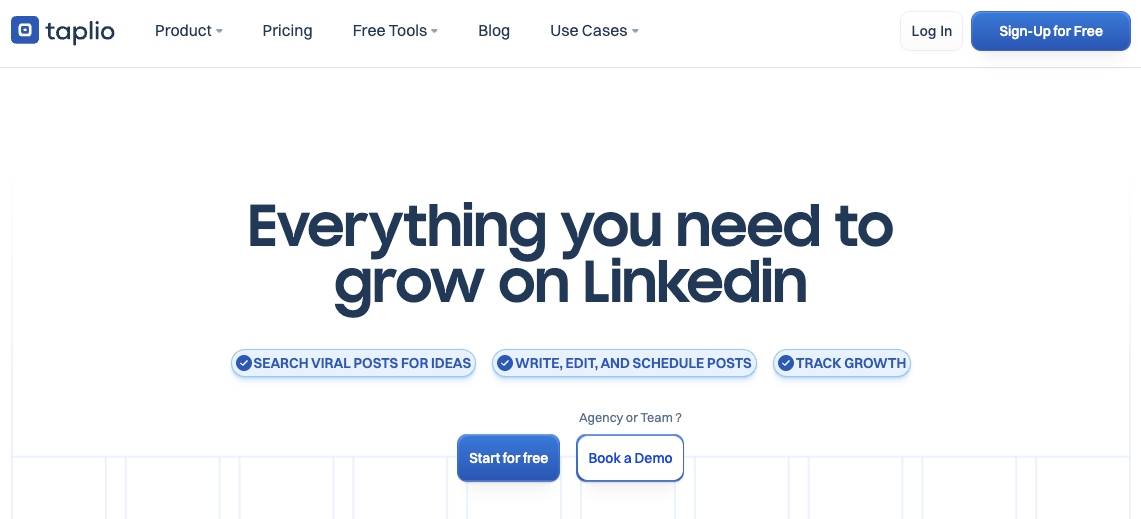
Taplio is the most established name in LinkedIn content tools. The viral post library with over 5 million posts is one of the best in the space. The scheduler is clean, the engagement automation on higher plans is useful for anyone treating LinkedIn as a sales channel, and the 7-day free trial makes it easy to test before committing.
Where it falls short is personalization. The AI runs on ChatGPT and produces content that is structurally solid but rarely sounds like a real person. We tested this ourselves: the output needs heavy editing before it reads authentically. The tool doesn't learn your voice over time. What you get on day one is functionally what you get on day 100.
- The Starter plan at $39/month gives you zero AI credits.
- The real product begins at $69/month.
- For lead generation, Pro at $199/month adds a 3M contact database and auto-DM.
For a full breakdown, read our Taplio review.
4. AuthoredUp: Best for post formatting, multi-device preview, and analytics
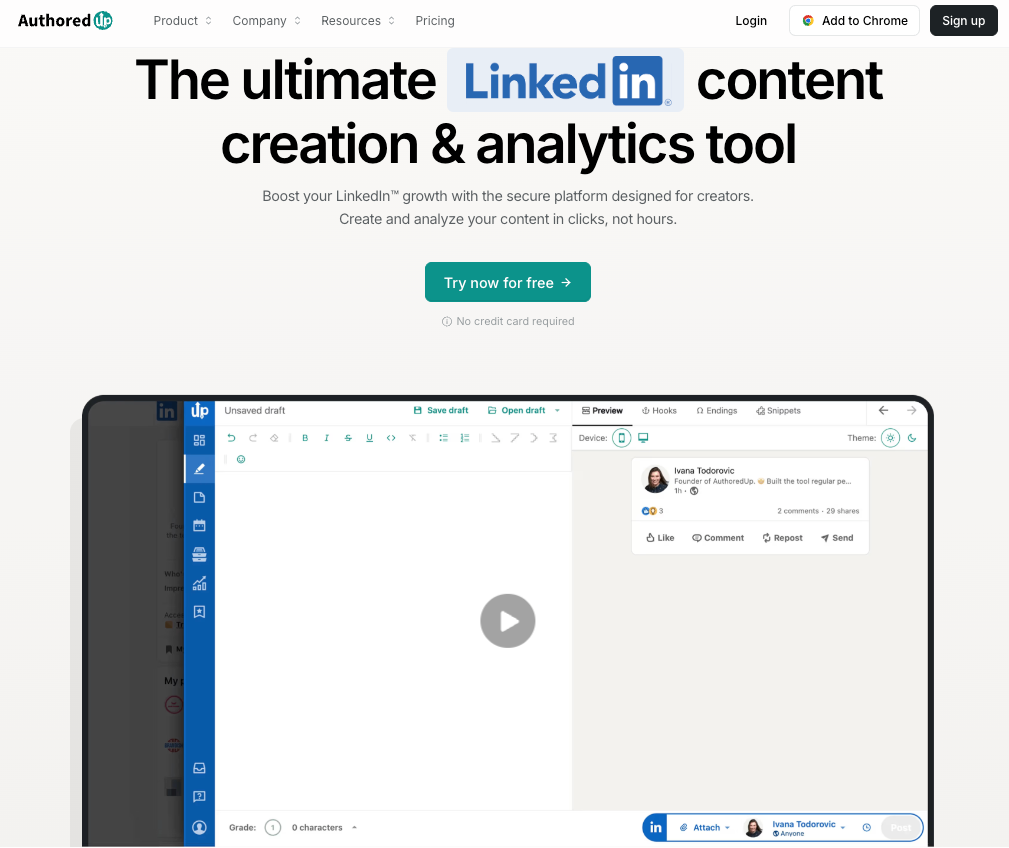
AuthoredUp earns its 4.8-star Chrome Web Store rating. Over 2,000 companies use it and the reason is specific: it does a handful of things better than any other tool in this category.
The multi-device post preview is genuinely best-in-class. Before you publish, you see exactly how your post renders on desktop, tablet, and mobile, including where the 'see more' cutoff falls. That alone prevents formatting errors that hurt engagement. The analytics go well beyond LinkedIn native data with full post history, impression tracking, side-by-side post comparison, and CSV export.
What AuthoredUp doesn't do is write for you.
There's no full AI content generation and no voice learning over time. It's a formatting and analytics layer, not a creation tool. Most serious creators use it alongside a creation tool. At $19.95/month with a 14-day free trial, it's the lowest-risk addition to any LinkedIn stack.
For a full breakdown, check out our AuthoredUp review.
5. MagicPost: Best for creators who need consistent posting at an accessible price
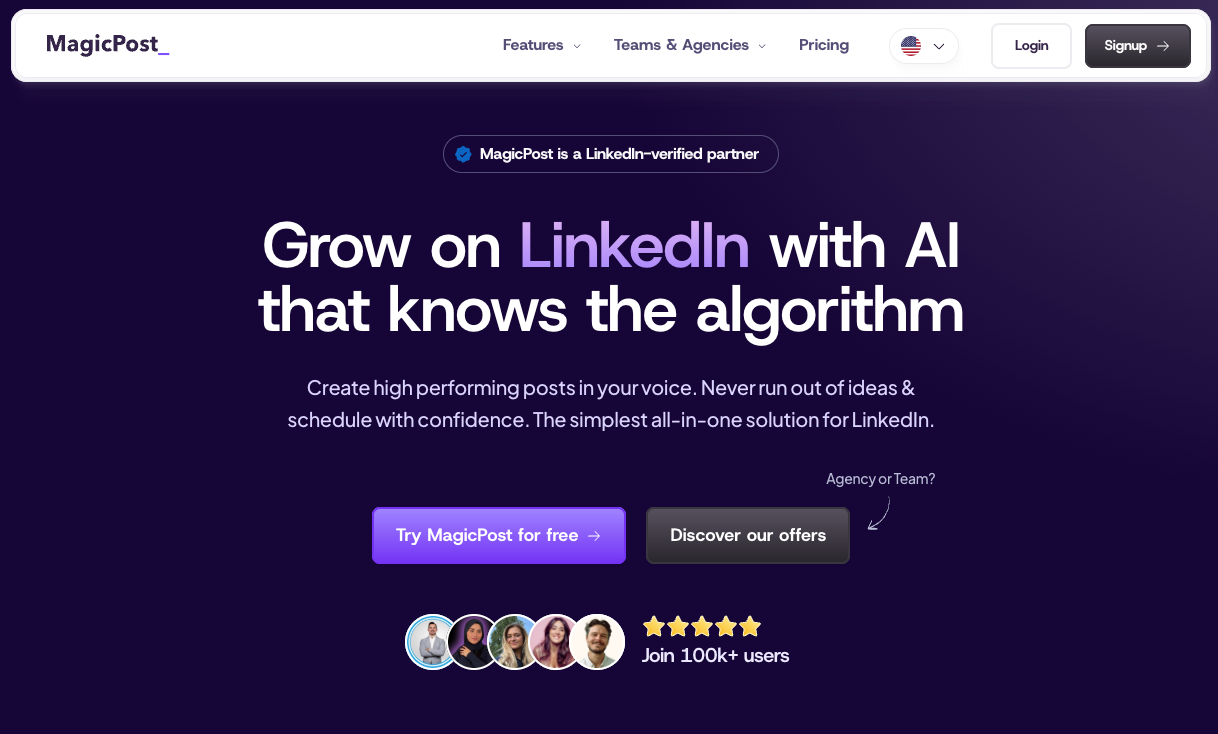
MagicPost is built for speed. You give it a topic, it gives you a LinkedIn post. The hook generator is solid, the ideas discovery engine genuinely solves blank-page syndrome, and the analytics track follower growth well for individual creators monitoring momentum.
The limitation is depth. The AI doesn't learn your voice and doesn't build a knowledge base over time. Each session starts from scratch. Output is structurally competent but can become repetitive for long-term users who don't actively vary their inputs.
The Starter plan at $39/month ($27/month annually) is also restrictive at 30 posts per month, the real product begins at the Creator plan with unlimited posts and access to the inspiration library.
For creators at an early stage who need to build the habit of posting, MagicPost is a sensible starting point. For creators who care deeply about voice and long-term brand building, the tool tends to become a ceiling rather than an accelerator.
Dive deeper with our MagicPost review.
6. Stanley: Best for AI content coaching inside the Stan Store ecosystem
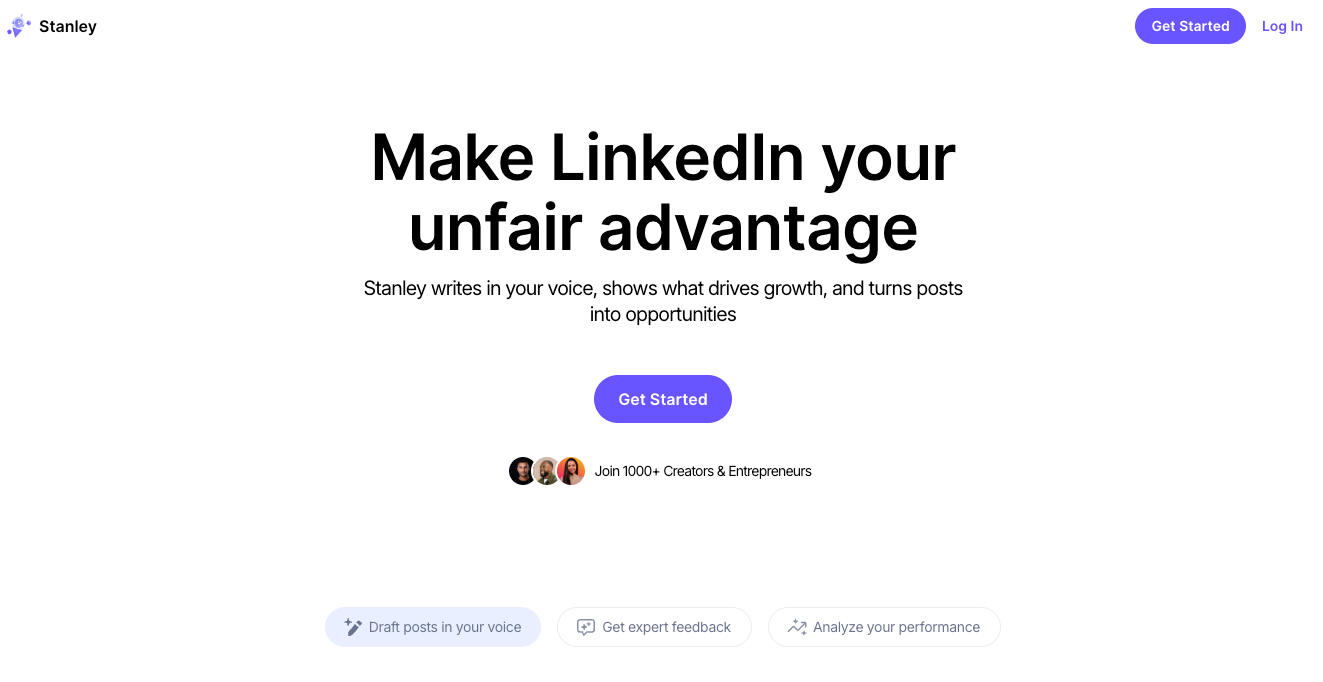
Stanley is the most expensive tool on this list at $149/month, nearly double the next most expensive competitor and with no free trial, no free version, and no way to preview the product before paying. That price is high and needs significant justification.
What Stanley does is genuinely distinctive. It's an AI content advisor rather than a scheduler or post generator. Three core features: write a post in my voice, analyze my recent posts, and interview me.
The interview feature, where Stanley asks you questions and turns your answers into content ideas, is clever and particularly useful for creators who know their expertise but freeze in front of a blank page.
What Stanley doesn't have is everything around those features. No scheduling. No analytics dashboard. No knowledge base that compounds over time. No Chrome extension. No image creation. No templates.
At $149/month that's a significant ask against Kleo at $99/month with all features included. Stanley fits best for creators already embedded in the Stan Store ecosystem. For everyone else, there are tools that do more, cost less, and let you try before you commit.
Learn more about this tool with our full Stanley review.
7. SayWhat: Best for creators who want community, design tools, and analytics in one platform
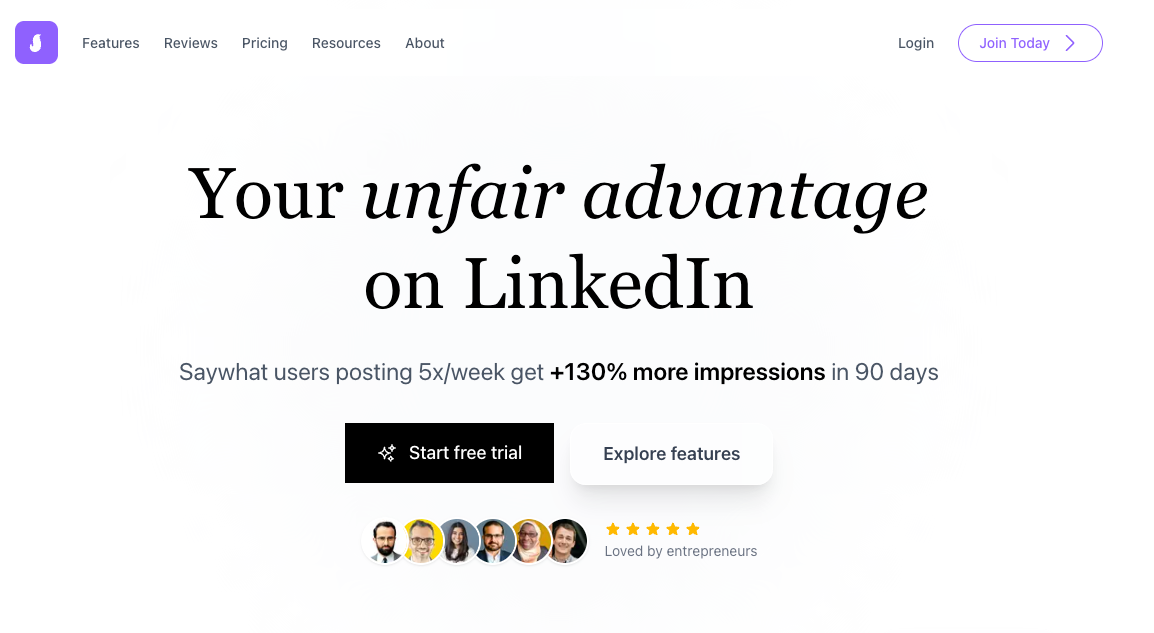
SayWhat is one of the most complete LinkedIn platforms available. The Collab AI writing assistant learns from your LinkedIn posting history and produces drafts that feel closer to your voice than most generic AI output. The infographic and carousel generator is a genuine differentiator that no other tool in this category matches. The analytics include CSV and Excel export, which data-driven creators will find genuinely useful.
The Circle community is where SayWhat earns its strongest reviews. Founder Will McTighe hosts regular strategy sessions, weekly content trend discussions, and 'Roast My Post' events where you get live feedback on your content. Multiple users credit these sessions as a bigger growth driver than the software itself.
The pricing is more complex than it first appears.
- The Standard plan at $47.99/month comes with only 10 Collab writing credits and 6 auto-generated posts per month, an active creator burns through those in days.
- The infographic design feature, one of SayWhat's clearest differentiators, is available only with the $119.99/month Executive plan.
The other limitation worth knowing: SayWhat learns from your LinkedIn profile and posting history only. It doesn't let you train it on your broader knowledge, call transcripts, or experiences outside LinkedIn.
For a full breakdown, read our SayWhat review.
8. Other LinkedIn content creation tools worth noting
If you're looking a tool specifically for content creation on LinkedIn, and want to do more research on what's out there, we also suggest checking out:
Section 2: Best LinkedIn Tools for Outreach and Automation
Cold email open rates have been declining for years. Cold calling gets answered less than ever. LinkedIn outreach, done properly, still cuts through because a message that lands in someone's LinkedIn inbox comes with context: they can see who you are, what you post about, and whether you're worth their time before they reply.
Before we get into individual tools, one note that every comparison article glosses over: the real cost of outreach tools is almost never the advertised price. Per-seat pricing, LinkedIn add-ons, data enrichment costs, they add up fast.
The table below shows the true monthly cost so you can compare accurately.
Real cost comparison of LinkedIn outreach tools: solo user vs a team of five
9. Lemlist: Best for personalized multichannel outreach sequences
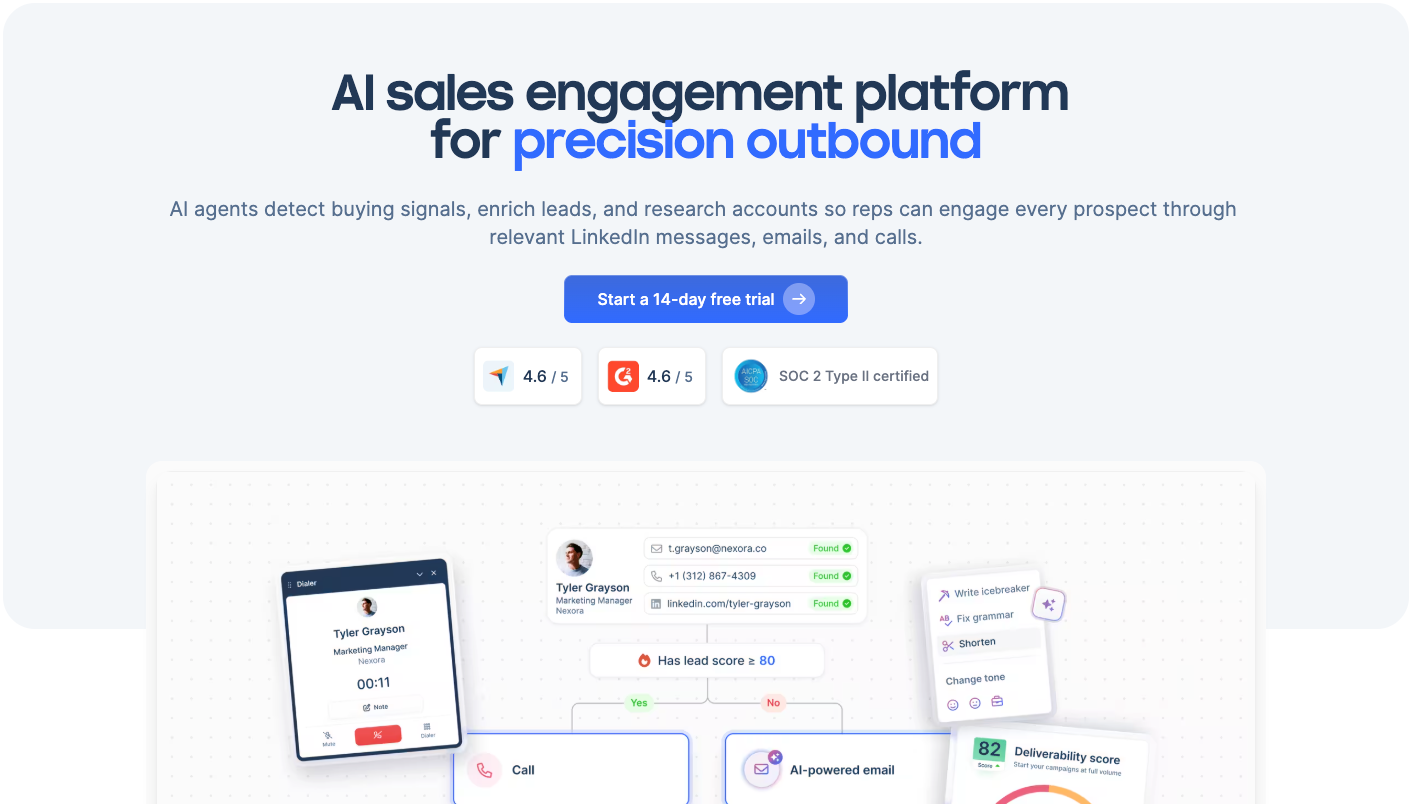
Lemlist is the most sophisticated outreach tool in this space. The personalization tokens are genuinely powerful: first name, company name, recent posts, custom images, and more.
The warm-up feature gradually increases your outreach volume so LinkedIn doesn't flag the account. AB testing helps you iterate on what's landing so you're not sending the same underperforming message indefinitely.
It integrates cleanly with email campaigns, which matters if you're running multichannel outreach. The learning curve is real and the price isn't low, but for sales teams sending consistent volume, the ROI tends to justify the investment within the first month.
This is the tool we'd recommend to any Sales Development Representative (SDR) team serious about LinkedIn outreach at scale.
10. Expandi: Best for safe, scalable LinkedIn outreach at volume
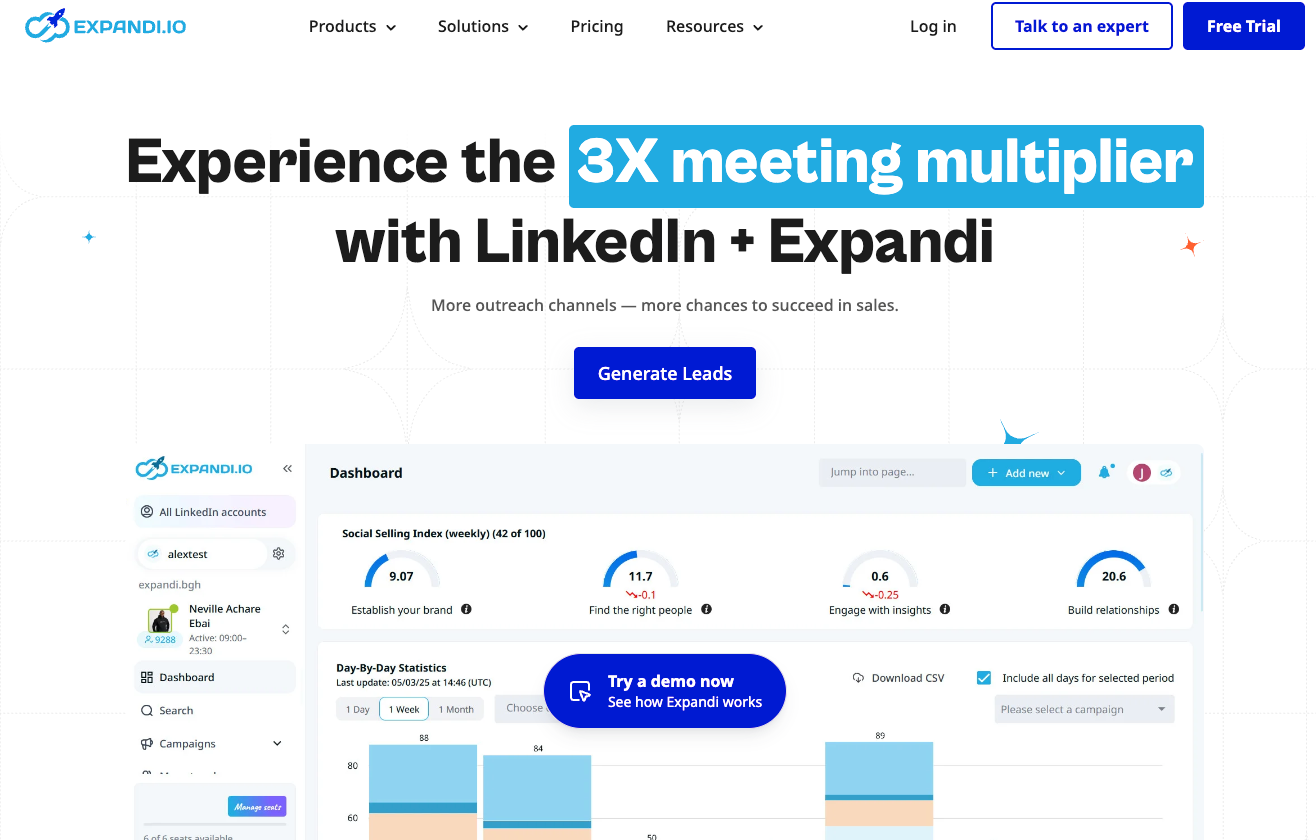
Expandi is cloud-based, uses dedicated IP rotation per user, and includes randomised delays that mimic human behaviour. LinkedIn can't distinguish Expandi's actions from a real person's. That's the primary reason to choose it, and it's not a minor point. An account restriction on LinkedIn can kill a sales pipeline instantly.
The audience filtering is precise and the analytics dashboard surfaces which templates perform best so you're iterating intelligently rather than guessing. It's pricier than most alternatives but for teams where account safety is non-negotiable, the architecture earns the premium.
11. Dripify: Best for custom automated sales funnels with a clean interface
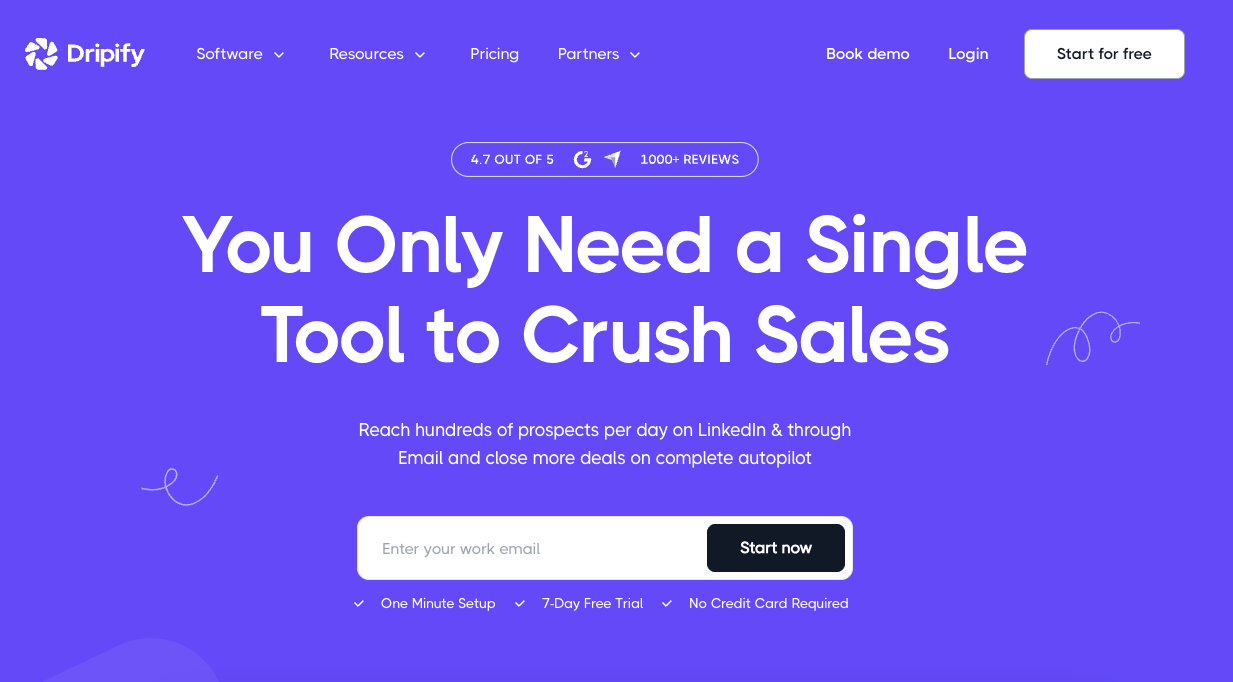
Dripify sits in an attractive pricing position between the budget tools and the premium options like Expandi and Lemlist. It automates connection requests, messages, profile visits, and follow-ups through multi-step drip campaigns with delays and conditional logic.
The interface is clean, the campaign builder is intuitive, and the CRM integrations with HubSpot, Salesforce, and Pipedrive work through native connections.
The campaign builder is Dripify's standout feature. You can set delays, add conditions based on whether someone accepted your connection or replied, and build sequences that feel structured rather than spammy. For a team getting started with LinkedIn automation, it's a sensible step up from Waalaxy without the price tag of Expandi.
The limitations are real. Per-user pricing means a team of five on the Advanced plan costs close to $400/month before any data enrichment. There's no multichannel inbox combining LinkedIn and email. And some reviews flag customer support responsiveness and billing issues as recurring pain points.
12. Snov.io: Best for teams combining email prospecting with LinkedIn outreach
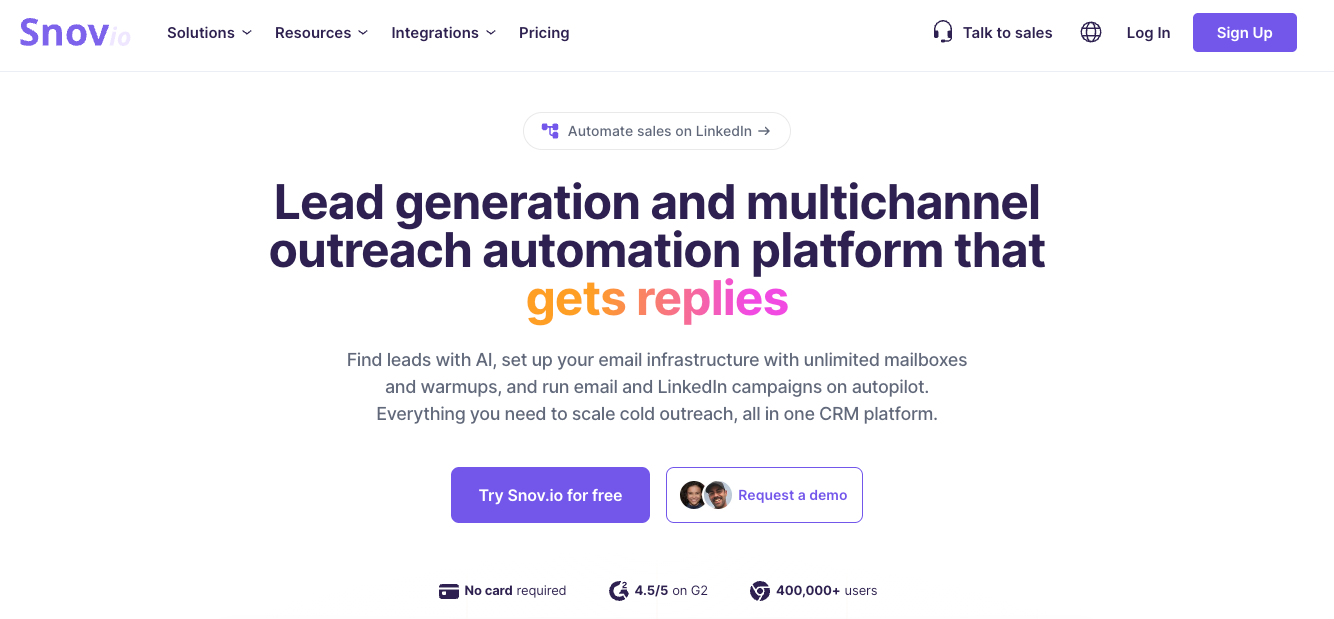
Snov.io's proposition is appealing on paper: email finding, verification, warm-up, drip campaigns, a built-in CRM, and LinkedIn automation in one unified dashboard. Run your entire outreach stack from a single tool.
The pricing is more complicated than the headline suggests. LinkedIn automation is not included in any base plan. It's a separate add-on at $69/month per LinkedIn account slot.
So the true entry cost for someone running both email and LinkedIn outreach starts at $108 to $144/month depending on which base plan you choose. That's worth knowing before comparing it against tools that include LinkedIn outreach natively.
Where Snov.io genuinely earns its place is email prospecting. The 50M+ company profile database, the 7-tier email verification system, and the unified CRM are solid.
For teams whose primary channel is email with LinkedIn as a secondary layer, Snov.io simplifies the stack meaningfully. For teams where LinkedIn is the primary channel, the add-on model feels architecturally like an afterthought.
13. LinkedIn Sales Navigator: Best for targeted prospecting before running any outreach
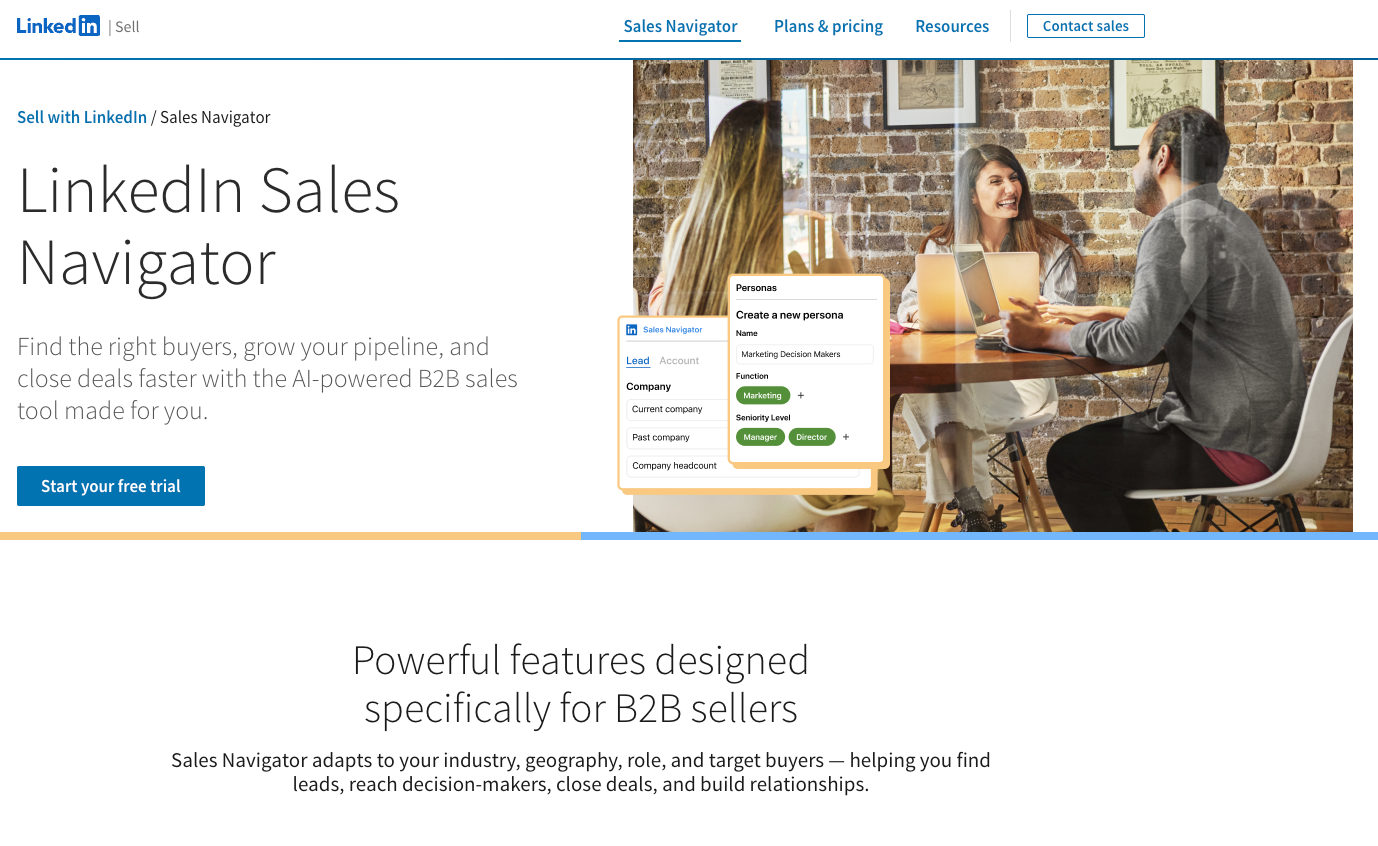
Sales Navigator isn't an automation tool. It's LinkedIn's own premium prospecting layer and it belongs in this section because it sits underneath most serious outreach stacks regardless of which automation tool you use.
The advanced search filters are the core value: company size, growth rate, seniority, function, geography, time in role, recent leadership changes, and dozens of other signals that LinkedIn's free search doesn't expose. You can save lead lists, receive alerts when contacts change jobs or are mentioned in the news, and track account activity over time. InMail credits let you reach people outside your network directly.
The honest limitation: Sales Navigator is a prospecting and research tool, not an execution tool. It finds the right people. You still need a separate tool to run the outreach. Most serious stacks pair it with Lemlist, Expandi, or Dripify. Budget for the combination, not the tool in isolation.
14. LinkedHelper: Best for budget-conscious users who need serious automation features
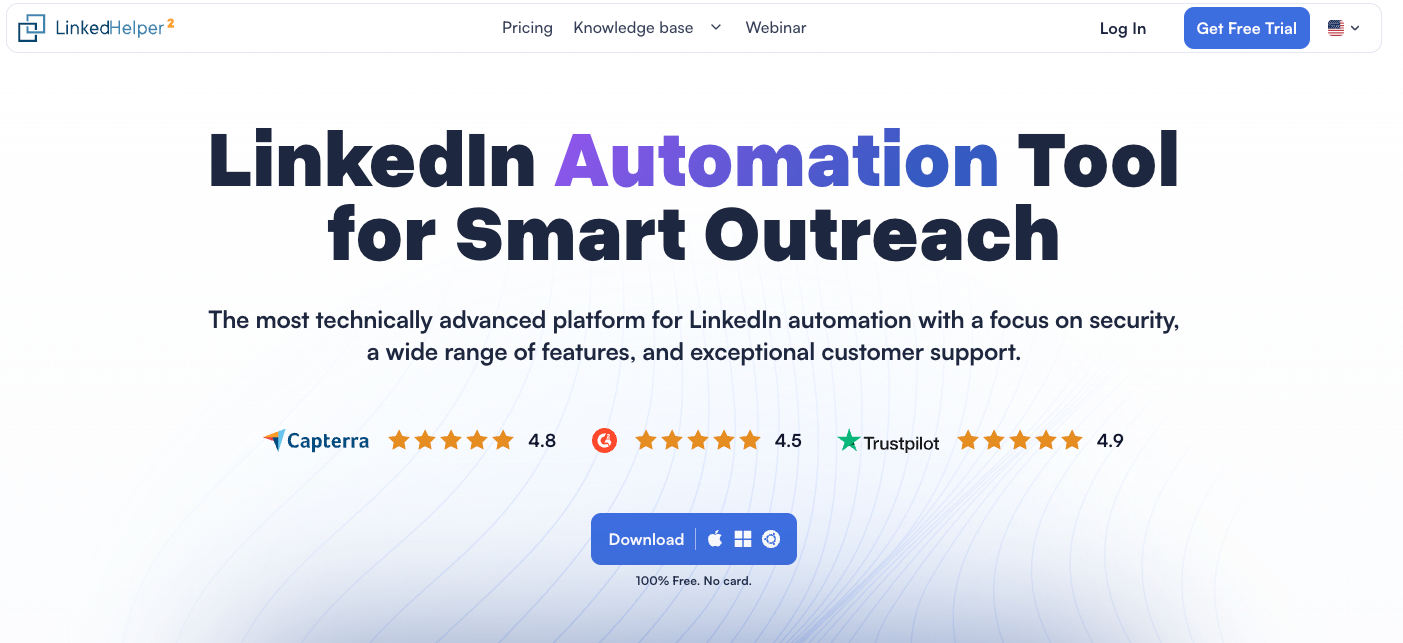
LinkedHelper is the most affordably priced serious LinkedIn automation tool in the market. Starting at $15/month monthly ($8.25/month annually), it's roughly six times cheaper than Expandi while covering most of the same core actions: connection requests, follow-ups, InMails, profile visits, skill endorsements, group invitations, and data extraction to CSV.
The reason it's priced this low is the architecture. LinkedHelper runs as a desktop application rather than in the cloud. Your computer needs to stay on for campaigns to run.
There's no native macOS version, so Mac users need a virtual machine. The interface is functional but dated and the learning curve for advanced sequences is steeper than cloud-based alternatives.
The safety record is solid. LinkedHelper mimics human behaviour through randomised delays and operates without injecting code into LinkedIn's page or making API calls.
For solo founders or small agencies who need LinkedIn automation with a limited budget, LinkedHelper is a compelling option. For teams who need cloud-based access, modern UX, or Mac support, the limitations are real.
15. Waalaxy: Best for freelancers getting started with outreach on a free plan
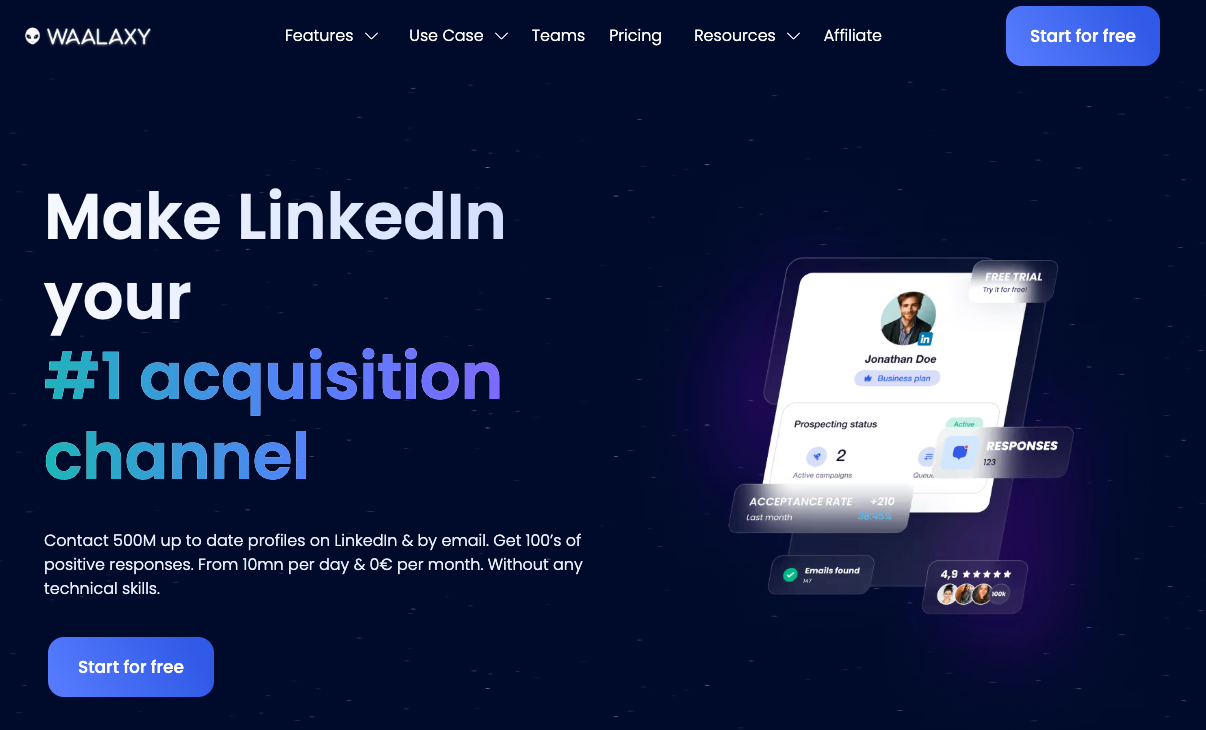
Waalaxy's free plan with 80 actions per week is the easiest entry point into LinkedIn outreach on this list. The drag-and-drop campaign builder is intuitive for people new to automation. For freelancers or early-stage founders who want to explore outreach without upfront cost, it's the sensible place to start.
Waalaxy uses a Chrome extension rather than being fully cloud-based, which carries more account risk than tools like Expandi or Dripify. The free plan is also genuinely limited for anyone serious about volume. Treat it as a proof-of-concept tool before graduating to something more robust.
Section 3: Best LinkedIn Tools for Analytics
Native LinkedIn analytics show how many impressions a post received. They don't tell you which formats are working over time, what's driving follower growth, or whether your content strategy is improving. These three tools do.
16. Shield Analytics: Best pure LinkedIn analytics tool
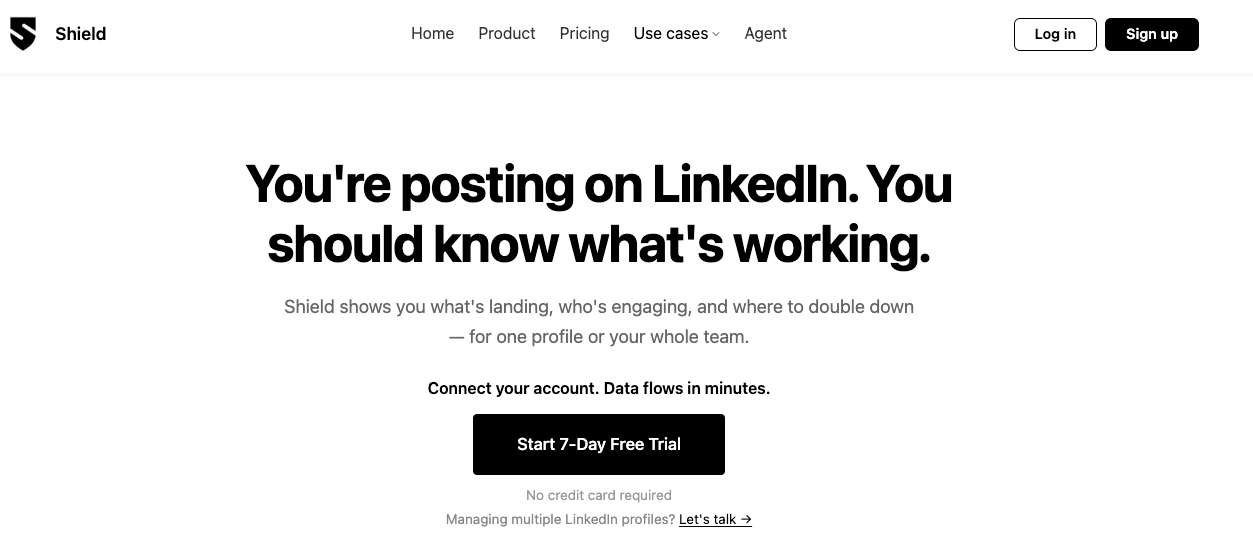
Shield is the gold standard for LinkedIn-specific analytics. It tracks impressions, engagement trends, follower growth, and audience demographics at a level of detail that native LinkedIn simply doesn't offer. The visual dashboards make it easy to spot your best-performing formats and topics so you can double down intelligently.
The post comparison feature is unique to this list: place two similar posts side by side and see exactly what drove different outcomes.
The Google Sheets export is useful for client reporting. For anyone serious about improving their LinkedIn content strategy based on data rather than instinct, Shield is the most purpose-built option available.
17. Native LinkedIn Analytics: Best when you need a free baseline
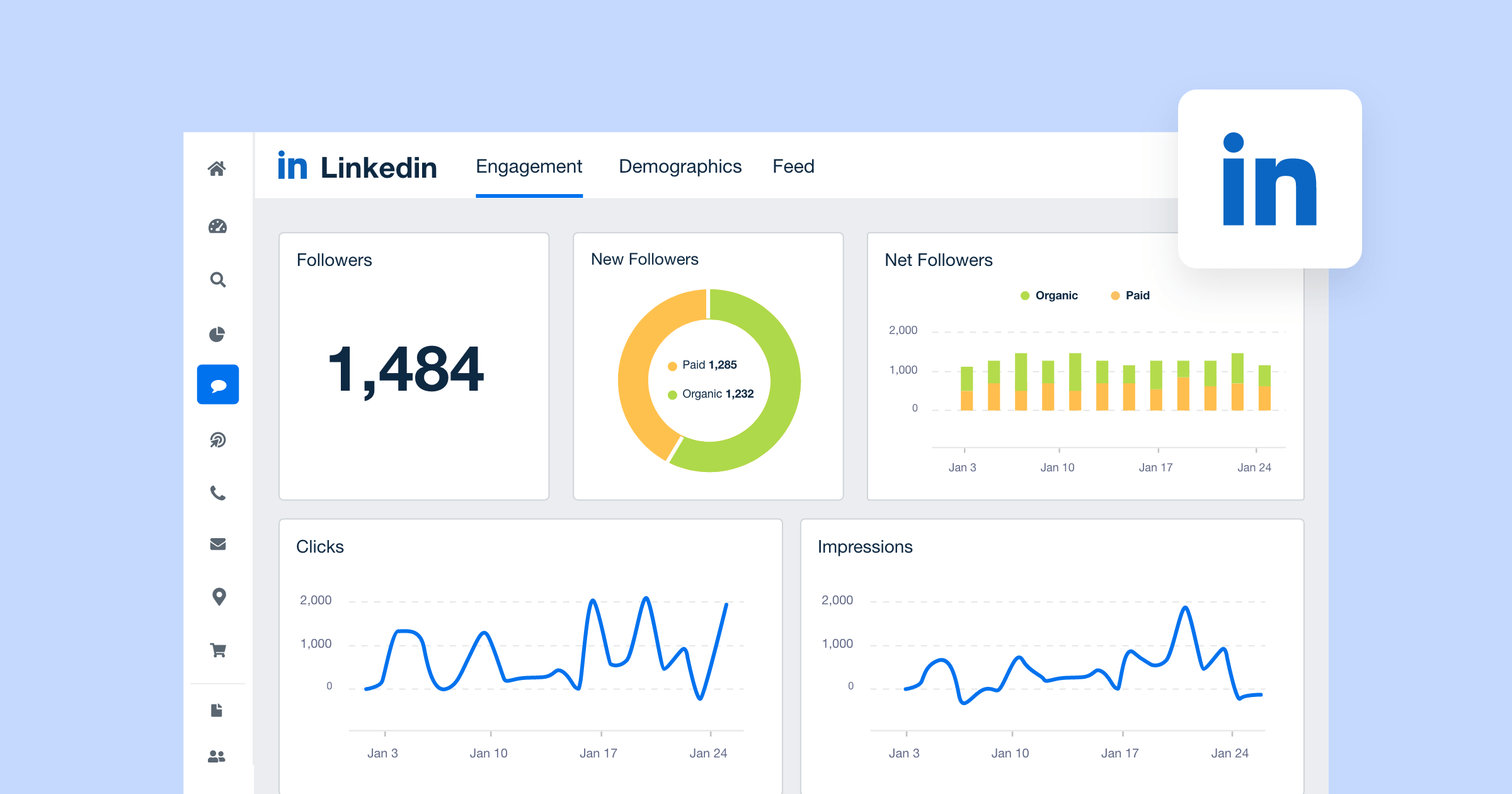
LinkedIn's built-in analytics give you impressions, clicks, engagement rate, and basic follower demographics at no cost. For someone just getting started with tracking performance, it's a perfectly reasonable starting point.
The moment you want to compare posts over time, spot format trends, or understand which topics are driving profile visits, you'll hit the ceiling quickly. Use native analytics to get your bearings, then move to Inlytics or Shield when the data starts to matter.
Bottom Line
There is no single best LinkedIn tool. There's the best tool for your specific goal at your specific stage.
You started searching for "best LinkedIn tools" because something isn't working yet. Maybe you've been posting, and the growth isn't coming. Maybe you know LinkedIn matters for your business, and you haven't figured out how to make it work. Maybe someone in your space is getting results you want, and you can't see what they're doing differently.
The first thing before you decide on a tool for LinkedIn is to decide what you need. E.g., growth, engagement, personal branding impact, lead generation etc.
And then build a system.
The tools in this article are not magic. No tool turns average thinking into great content. No automation sequence fixes a profile that doesn't make people want to know more.
What the right tools do is remove the friction between what you know and what you publish, between the conversations you're having and the content you could be creating from them, between the audience you have and the audience you're building toward.
Most LinkedIn creators are operating with one of two problems and they don't always know which one they have.
- Either their content isn't good enough to make people stop scrolling.
- Or their content is working and they're not doing enough to turn that attention into pipeline, in which case Lemlist, Expandi, or Sales Navigator belong in the conversation.
Knowing which problem you have is worth more than any tool recommendation.
That's the whole game. Pick the tool that matches your actual problem. Use it consistently. Measure what happens. And adjust.
The platform rewards consistency and authenticity above everything else. If you already have both of those. You just need the right infrastructure around them.
Ready to build a personal brand that scales? Try Kleo.
Frequently Asked Questions
What is the best LinkedIn tool for personal branding in 2026?
Kleo is the strongest option specifically for personal branding. It's the only tool in this category that learns from your actual experiences, voice, and knowledge base over time, not just your LinkedIn posting history. Pair it with Shield Analytics for performance data, and you have a complete content stack.
Are LinkedIn automation tools safe to use?
Most tools are safe to use and those listed above certainly are, but it's also worth checking out before you sign up. Cloud-based tools with IP rotation and randomized delays are significantly safer than browser extensions that simulate clicks. Do your homework; any tool promising 'unlimited' actions without mentioning account safety is a red flag.
Do I need LinkedIn Sales Navigator to use outreach automation tools?
Not strictly, but most serious outreach stacks include it. Sales Navigator gives you advanced search filters that let you build precise lead lists before importing them into Lemlist, Expandi, or Dripify. Without it you're limited to LinkedIn's basic search, which makes targeting less precise. If you're running outreach at meaningful volume, budget for both.
What is the difference between Taplio and Kleo?
Taplio is primarily a scheduling and content inspiration tool powered by ChatGPT. It doesn't learn your voice over time. Kleo builds a persistent knowledge base from your experiences and trains on your identity and writing style the more you use it. Taplio helps you post consistently. Kleo helps you post authentically.